Support
To receive remote support, please the life ring/buoy icon below to download Artifact's remote support agent:

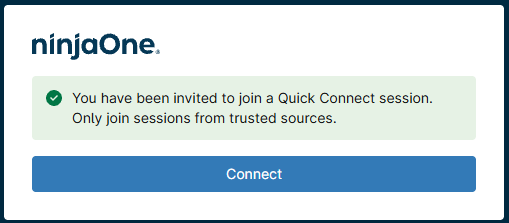
You will be taken to a new page with the image/content shown below. Please click "Connect".
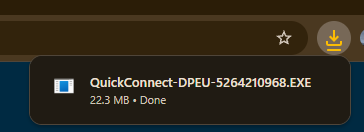
When the file downloads, please go to where it was saved (most likely "Downloads") and double-click it - or single-click it from the Chrome or Edge downloads areas.
You may require administrative privileges to proceed with the installation, if your current user account doesn't have this level of privilege you will be asked for the credentials of an account that does - please let us know if this causes problems.
You may also be asked if you "want to allow this application to make changes to your device?" - please click "Yes".
Once the installation has begun, the installer will disappear into the background and work away. Provided your computer has internet access, it should be remotely accessible in c. 5 mins.
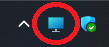
You should see the icon shown below on the bottom right of your computer's screen:
| We would love to hear from you anytime... |  |
086 043 4524 |  |
 |